Turning a Sermon Into Shorts and Reels That People Share
A forty-minute message holds a dozen smaller messages, and a good editor knows where to find them.
October 15, 2026 · 4 min read
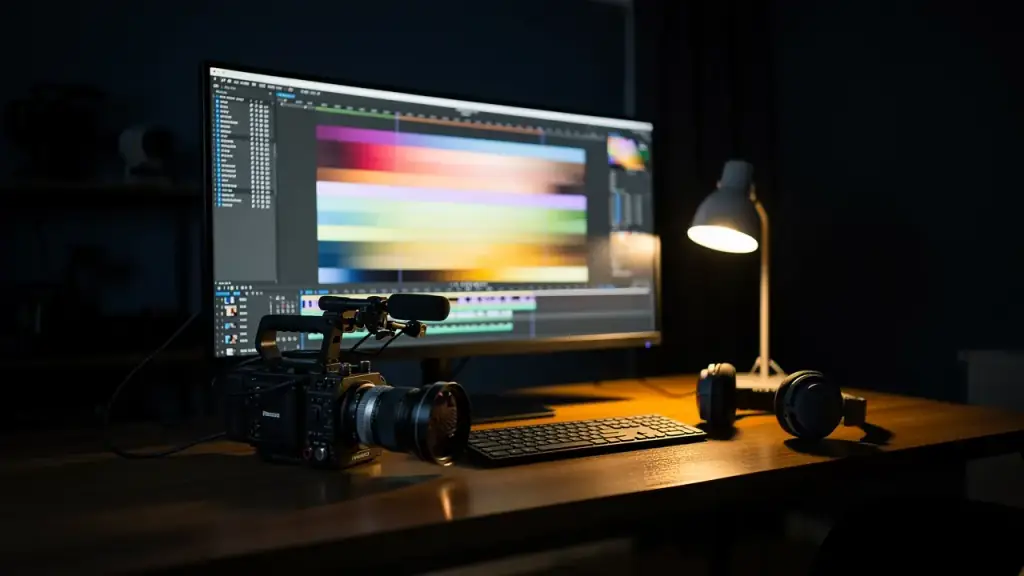
Most pastors prepare a message for hours and preach it once. After that the recording sits on a hard drive or on one page of a website. The sermon may have changed lives in the room, but someone scrolling on a phone on a Tuesday afternoon will never see it unless a smaller piece of it finds them first. That is the job of a short clip: to carry one thought to someone who wasn't there.
At Winning In Prayer TV, the production team works with ministries on exactly this. They polish raw footage for television, turn long-form teaching into shorts and reels, and build a social plan for YouTube, Facebook and TikTok. Whether you edit yourself or hand it off, the craft is the same. Here is how it works.
Pick the moment, not the minute
The first mistake is cutting a clip because it sits at a convenient spot in the timeline. Instead, listen through the whole message with a pen and look for moments that can stand alone. A good clip has one idea. It can be understood without the forty minutes before it, and it ends before the thought gets muddy.
Here are the kinds of moments that tend to work well:
- A clear statement of truth, said in a sentence or two that people can repeat.
- A short story with a beginning, a turn and an ending.
- A scripture explained simply, with the reference on screen.
- A moment of prayer that invites the viewer to pray along.
- A direct word to a certain person, such as "If you are tired today, hear this."
Mark the start and end of each moment as you listen. You will usually find more clips than you can post, which is a good problem to have.
Open strong, end clean
A viewer decides quickly whether to keep watching. If your clip begins with "So, as I was saying earlier," it will lose people before the point arrives. Start on the strongest sentence, even if that means trimming the lead-in. If the sentence needs a little setup, you can add a line of text on screen instead.
The ending matters just as much. Cut right after the thought lands, not after the pause, the cough, or the "amen" that belongs to the room. If the full close is powerful, keep it. Otherwise let the clip finish while the point is still ringing.
Frame it for a phone
Sermons are usually filmed wide, for a television or a monitor. Shorts and reels live on a tall, narrow screen, so the picture has to be reframed. That means cropping to a vertical shape and keeping the speaker's face and hands in the middle of the frame. Watch for moments when the speaker walks across the platform. A good editor follows them, so they never slide out of view.
Leave room at the bottom for captions and at the top for the app's own buttons. If your text sits too low, the platform will cover it. A quick test is to preview the clip on an actual phone before you post it.
Captions are not optional
Many people watch with the sound off, in a waiting room, on a break at work, or in a house where someone is sleeping. Captions let them follow along anyway, and they also help viewers who are hard of hearing. Keep the text large and the lines short. Break lines where the speaker would naturally pause, and check every name and every scripture reference for spelling. A misspelled verse is a small thing that people notice.
Protect the audio
People will forgive a plain picture long before they forgive bad sound. If a clip has an echo, a hum, or a microphone that cuts in and out, viewers leave. Clean the audio before you do anything else: reduce the background noise, even out the volume, and make sure the voice sits clearly above any music. If you add background music, keep it low enough that the words are never in competition with it.
The best fix happens earlier, at the recording. A microphone close to the speaker will save you more editing time than any software.
Post with a plan
A clip does its best work when it points somewhere. End with a simple invitation: watch the full message, join the live stream, or visit the website. Then think about each platform. YouTube suits a slightly longer clip with a clear title. Facebook is where families and church friends are likely to share. TikTok favors the quick, direct word. Posting the same file everywhere without a thought is easy, but a small adjustment for each platform pays off.
If you'd rather spend your week preparing the next message than editing the last one, the WIP TV team offers a 24-hour turnaround on video production. Call (941) 462-2504 or write to broadcast@winninginprayertv.com to talk through what you have recorded.
Winning In Prayer TV, (941) 462-2504
Call (941) 462-2504More articles
How to Watch Winning In Prayer TV and Pray Along
A plain guide to where the network lives, and how to turn a screen into a place where you actually pray.
Starting a 30-Day Prayer Journal You Will Finish
A prayer journal is not a diary or a performance, it is a place to meet God on paper for thirty days in a row.